

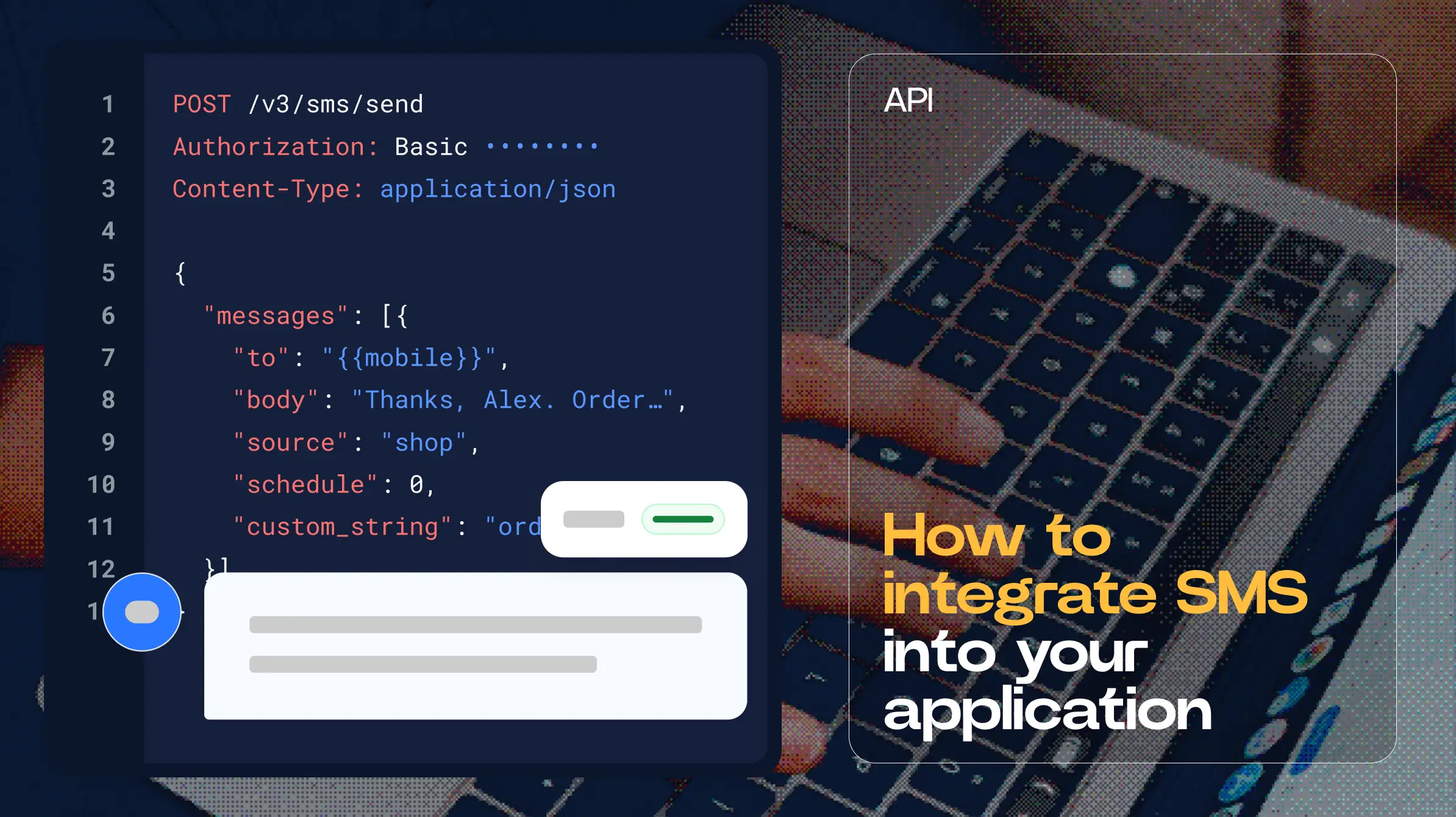
Sending a few dozen texts a month from a web dashboard works just fine. But once SMS becomes part of how your product actually runs (a login code that has to land within a second, an order confirmation fired off by a payment, an alert raised by a sensor), sending by hand simply doesn't scale.
That's where an SMS API comes in. It lets your application talk directly to the messaging gateway: your code triggers the send, the message goes out, and the status comes back. No one needs to lift a finger, whatever the time of day and whatever the volume.
In this guide, we'll walk you through what an SMS API is, what to have ready before you start, and how to build SMS sending into your app step by step, with real code examples along the way.
What is an SMS API?
An SMS API (often called an SMS gateway) is the interface that connects your system to mobile carrier networks. Your application sends a request containing a phone number, a message and a sender; the gateway takes care of routing it and then returns a delivery status.
This is known as application-to-person (A2P) messaging, as opposed to texts sent between two people. Here, the sender is a system, not someone typing on their phone.
In practice, an SMS API handles three jobs:
Sending: your application passes the message to the gateway, which routes it to the recipient's carrier.
Receiving: replies from your customers flow back into your application through webhooks.
Tracking: every message returns a status (delivered, pending, failed) that you can feed into your logs and dashboards.
To explore the documentation, available libraries and test environment, head over to our SMS gateway API page.
What you need before integrating an SMS gateway
A few things to line up before you write your first line of code:
An account with a messaging platform. Make sure it offers a well-documented REST API for sending SMS, plus direct carrier routes for reliable delivery. Our business SMS platform ticks both boxes.
Your API credentials. A username and an API key, which should only ever live on your server.
A sender ID. An alphanumeric name to build brand recognition, or a dedicated number if you want customers to be able to reply.
An HTTPS endpoint. Only needed if you want to receive status webhooks and inbound messages.
How to integrate an SMS API, step by step
Step 1: Get your SMS API credentials
Generate your API key from your dashboard. This is what authenticates every request. Never expose it on the client side, whether in a browser or a mobile app: your API calls should always come from your server.
Step 2: Call the send SMS endpoint with cURL, Python or PHP
Messages are sent with an HTTP POST request and a JSON body. Here's the simplest example, using cURL:
curl -X POST "https://rest.clicksend.com/v3/sms/send" \

  -u "YOUR_USERNAME:YOUR_API_KEY" \

  -H "Content-Type: application/json" \

  -d '{

    "messages": [

      {

        "from": "MyBrand",

        "to": "+447700900123",

        "body": "Your login code is 4821."

      }

    ]

  }'
The same call translates easily into whatever language you use. For a Python SMS API integration, the requests library is all you need:
import requests


payload = {"messages": [{

    "from": "MyBrand",

    "to": "+447700900123",

    "body": "Good news: your order is on its way."

}]}


response = requests.post(

    "https://rest.clicksend.com/v3/sms/send",

    auth=("YOUR_USERNAME", "YOUR_API_KEY"),

    json=payload,

)

print(response.status_code, response.json())
And to send SMS with PHP, using cURL:
$payload = json_encode(["messages" => [[

    "from" => "MyBrand",

    "to" => "+447700900123",

    "body" => "Your appointment is confirmed for tomorrow at 2pm.",

]]]);


$ch = curl_init("https://rest.clicksend.com/v3/sms/send");

curl_setopt_array($ch, [

    CURLOPT_POST => true,

    CURLOPT_USERPWD => "YOUR_USERNAME:YOUR_API_KEY",

    CURLOPT_HTTPHEADER => ["Content-Type: application/json"],

    CURLOPT_POSTFIELDS => $payload,

    CURLOPT_RETURNTRANSFER => true,

]);

echo curl_exec($ch);
These snippets are for illustration only. Always check the official documentation for exact field names, formats and response codes.
Step 3: Handle the API response
The API returns a status for each message. Always check the response code and store the message ID: you'll need it to match each send with the delivery status that comes back later.
Step 4: Set up status and inbound webhooks
For a complete integration, set up two webhooks in the platform. The first receives delivery receipts, so you know whether each message actually arrived. The second receives inbound messages, if you switch on two-way SMS so your customers can reply.
Your endpoint then receives events in real time, and your application keeps itself up to date.
⚠ A word of caution: an SMS API is primarily designed for transactional messages that recipients are expecting. As soon as you use it to send promotional content, you'll need prior opt-in consent from every recipient, just as you would for any marketing campaign (under GDPR in the UK and EU, for example).
The most common use cases for an SMS sending API
Use case | Message type | What the API brings |
|---|---|---|
OTP and 2FA | Transactional | Secures logins in real time |
Confirmations and tracking updates | Transactional | Keeps customers in the loop and takes pressure off support |
System alerts | Notification | Flags incidents the moment they happen |
Appointment reminders | Transactional | Cuts no-shows significantly |
Scheduled campaigns | Marketing | Triggers sends straight from your CRM |
To keep your users' accounts secure, use our API to send two-factor authentication and SMS OTP in minutes. And when you need to push service updates or alerts to an entire contact list, SMS broadcast has you covered.
SMS API integration best practices
An integration that works perfectly in development won't always hold up in production. A few habits worth building in from day one:
Keep your credentials safe. Store your API key in a secrets manager or an environment variable, never in version-controlled code.
Handle errors and retries. Build in retry logic with backoff for network failures, while making sure you don't send the same message twice.
Standardise phone numbers. Using the international E.164 format (+44...) prevents a large share of delivery failures.
Pick the right sender. Use an alphanumeric name when you don't expect a reply, and a dedicated number when you want a conversation.
Keep an eye on deliverability. Use delivery receipts to spot invalid numbers and recurring failures.
Stick to a single segment. That's 160 characters with GSM encoding, or 70 with Unicode. Go over, and your message is split into parts, each one billed separately.
From single messages to bulk SMS via API
The same endpoint accepts an array of messages, so you can scale from one-off sends to bulk SMS without changing your architecture. Your daily confirmations and your campaigns to thousands of recipients all travel down the same path.
And if your non-technical teams need to send messages too, the API works right alongside our online SMS gateway in the browser, and even email to SMS. One account, plenty of ways in.
Integrate your SMS API and manage all your messaging in one place
ClickSend is a global messaging platform trusted by developers and businesses across every industry. Whether you're sending verification codes, in-app notifications or full-scale campaigns, you can run it all from one place:
A documented REST API, with libraries and a test environment
Webhooks for delivery receipts and inbound messages
Real-time delivery reporting
Compliant sending practices built in from the start
Global reach with local sender options
Adding SMS to your application rarely takes more than an afternoon: one POST call to send, two webhooks to receive. The rest is fine-tuning, and that's what separates an integration that works from one that lasts.
👉 Create your free account and get access to your SMS API today.
FAQ: SMS API integration
Which programming language should I use to integrate an SMS API?
Any language that can make an HTTP request will do. Python and PHP are the most common choices, but JavaScript, Java, C# and Ruby work just as well. Because the API is RESTful, integration comes down to a single authenticated POST call, whatever your tech stack.
How do I receive replies to my text messages through the API?
With an inbound webhook. You give the platform an HTTPS URL on your server, and it receives every incoming message in real time. To make this work, you'll need to enable two-way SMS and use a number that can receive replies.
How can I tell whether an SMS sent via API was delivered?
The API returns an initial status when the message is sent, and a status webhook then confirms final delivery. By storing the message ID, you can match every send to its final status in your own logs.
What is application-to-person (A2P) SMS messaging?
It's SMS triggered by a system (an app, a server or a back-office tool) rather than typed out by hand. One-time passcodes, alerts and confirmations are the classic examples, and exactly what an SMS API is built for.
Can an SMS API also send RCS messages?
Yes, on platforms that support both channels. You can then send rich messages through RCS messaging, with automatic SMS fallback on devices that don't support it, all without adding another integration.